
New Feature: Chat with Travelers
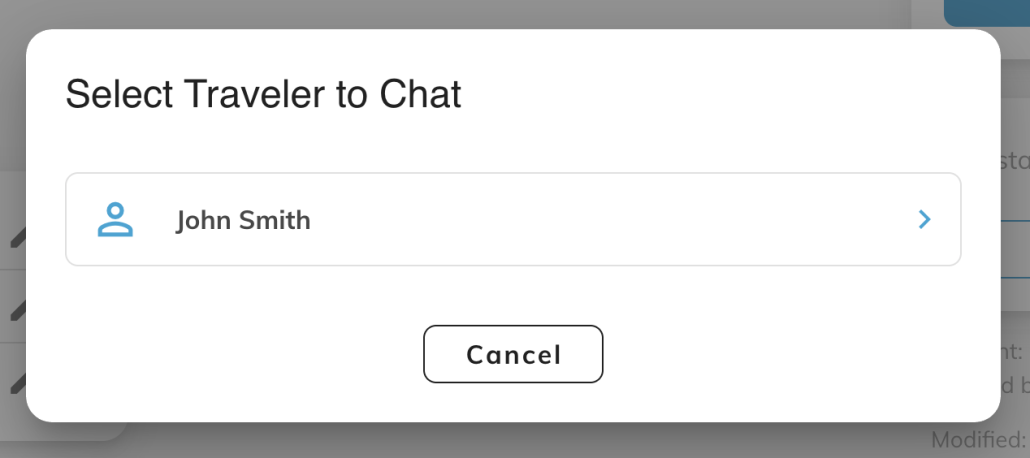
With the new Chat with Travelers button located within each trip page in the CMS portal, admins can now message travelers in real time directly from an individual trip. Whether it’s a quick clarification or urgent support, conversations are faster, more direct, and fully contextual.
 Who Can Use It
This feature is currently available to Master Admins and account roles including Travel Consultants, Risk Managers, Account Admins, and Supervisors.
How to Activate It
To make the feature available:
-
Go to Account Settings > Customer Service
-
Switch on In-App Messaging and add an internal email address
-
In Account Settings > Features > App Menu, make sure the Contact or In-App Messaging button is enabled so it’s visible in the app
Once activated, the Chat with Travelers button will appear on the trip page in the CMS portal.
Keeping Conversations in One Place
Admins can view conversations by opening a trip in the CMS portal and accessing the traveler under the Chat with Travelers section. If a traveler has multiple trips within the same account, the conversation spans across trips – giving you one continuous thread with full visibility in a single place.
It’s a simple, streamlined way to stay connected and support travelers when it matters most!